QB
Quiz Builder
Organise your show with categories, rounds and custom scoring. Reorder, duplicate, preview — all in one interface.
QuizGames Live is a live quiz game for streamers. Build a quiz in the web app, go live on TikTok, and your audience plays along in the chat. Here's everything it can do.
Organise your show with categories, rounds and custom scoring. Reorder, duplicate, preview — all in one interface.
Mix text, image, and video questions in the same round. Upload clips, drop in images, or paste YouTube links.
Configure round lengths, point values, bonuses for speed, multipliers for streaks. Your format, your rules.
Type a topic, get a complete round. The AI drafts questions, sensible wrong answers, and difficulty-graded options in seconds.
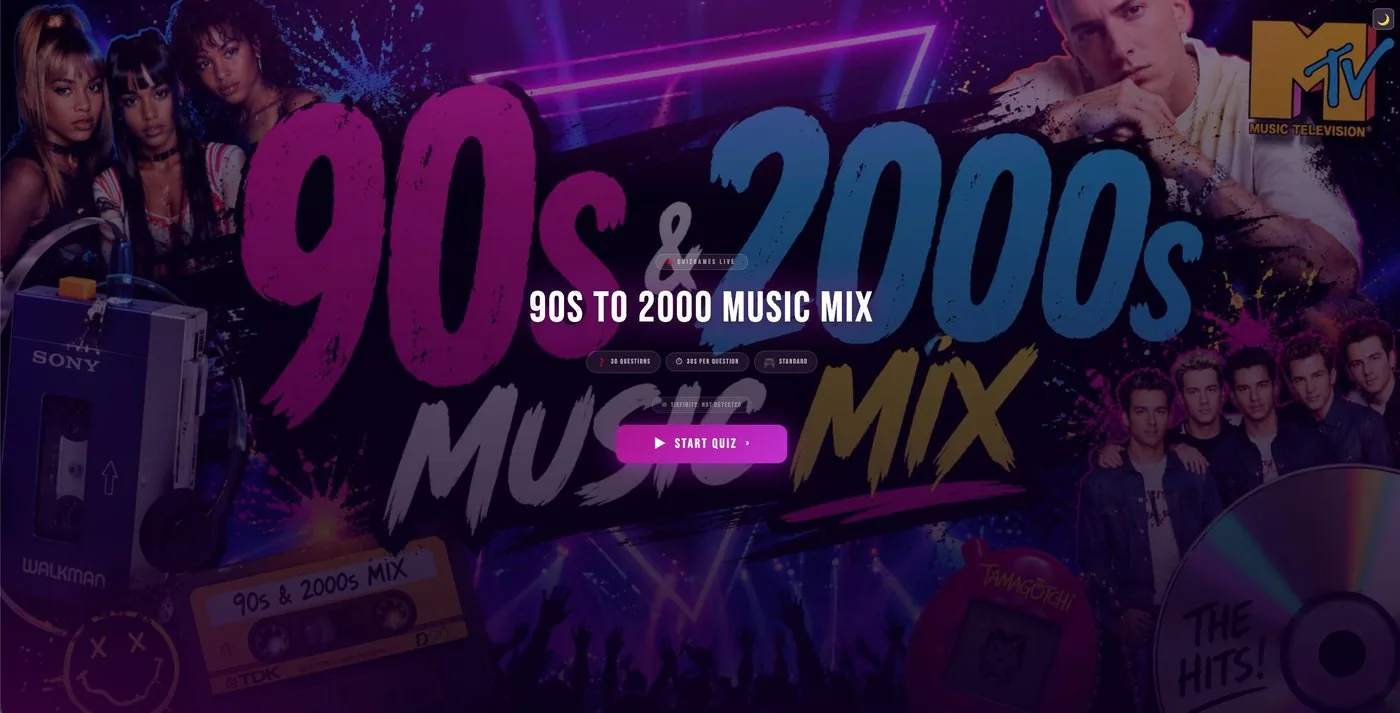
Generate branded thumbnails and stream covers per quiz. Stay consistent without spending an hour in Photoshop.
One universal on-screen template handles every question type. No re-styling between rounds, no visual whiplash.
Chat ingestion from TikTok Live now — YouTube, Twitch and Kick coming soon. Run single-platform shows today, simulcast as we expand.
Real-time ranking of your audience. Animates in, highlights changes, rewards streaks and fastest-correct answers.
End-of-quiz podium sequence with crowd-facing animations. Turn your top 3 into the moment of the show.
Configurable lower-third ticker for live answers, scores, shoutouts, and sponsor slots. Broadcast-grade, chat-native.
On the game shows, a second-screen control panel lets you skip questions, reveal answers on your cue, override scores and drop bonuses.
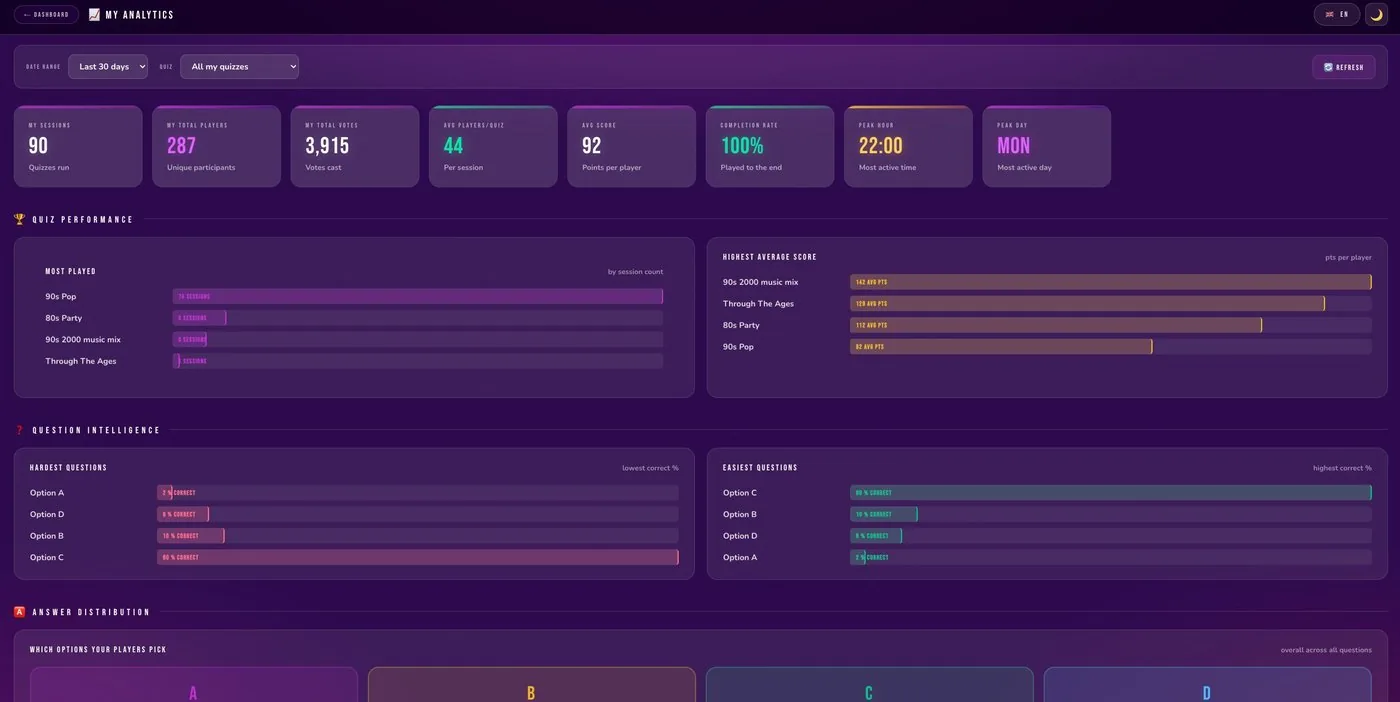
Manage quizzes, review past shows, monitor connector health, and pull stats. Everything in one console.
Built-in ticketing system means you can reach our team directly from inside the app. No email ping-pong — every conversation has context attached.
See how every quiz went with built-in reporting and analytics, and use what you learn to make your next show even better.
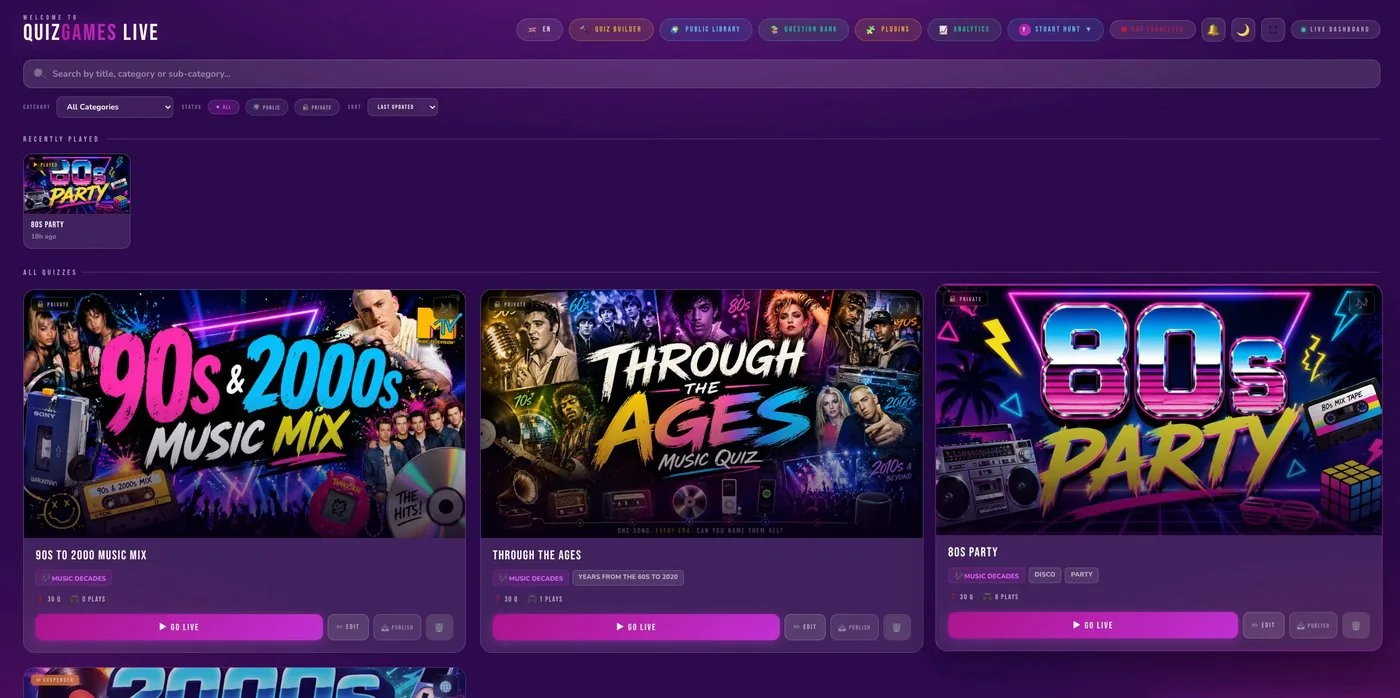
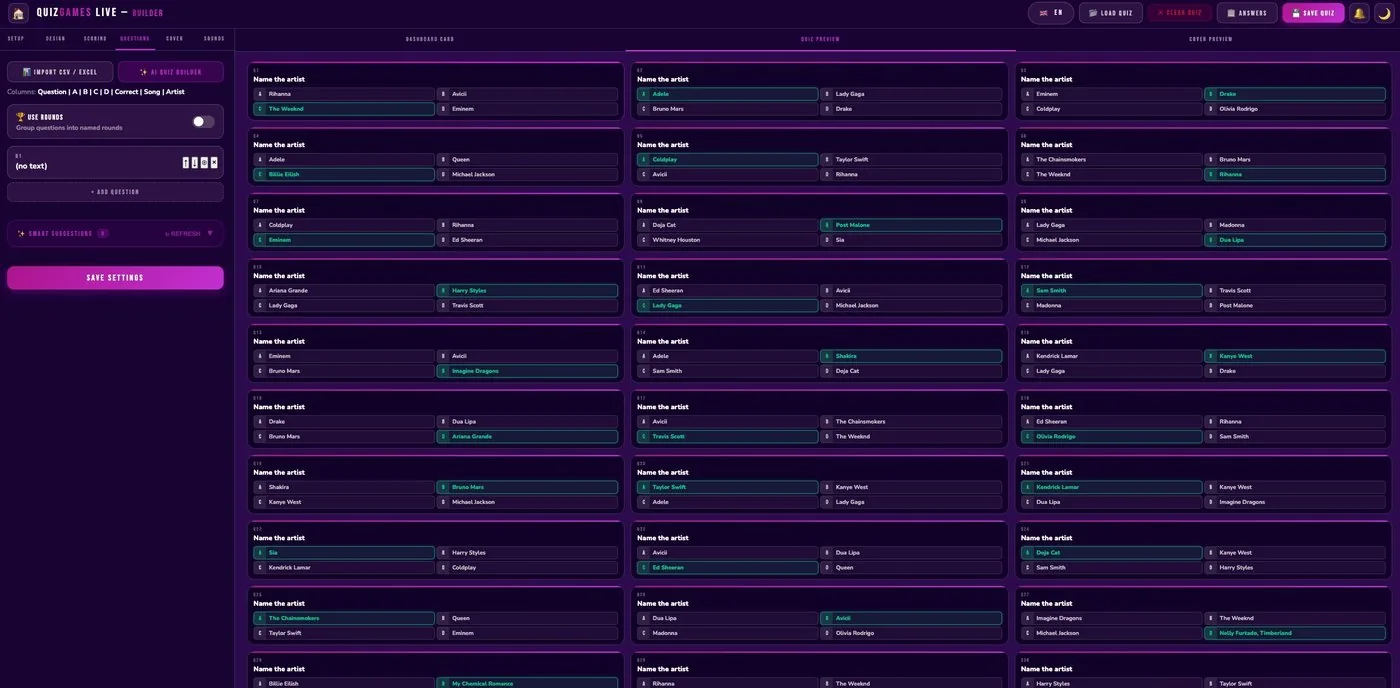
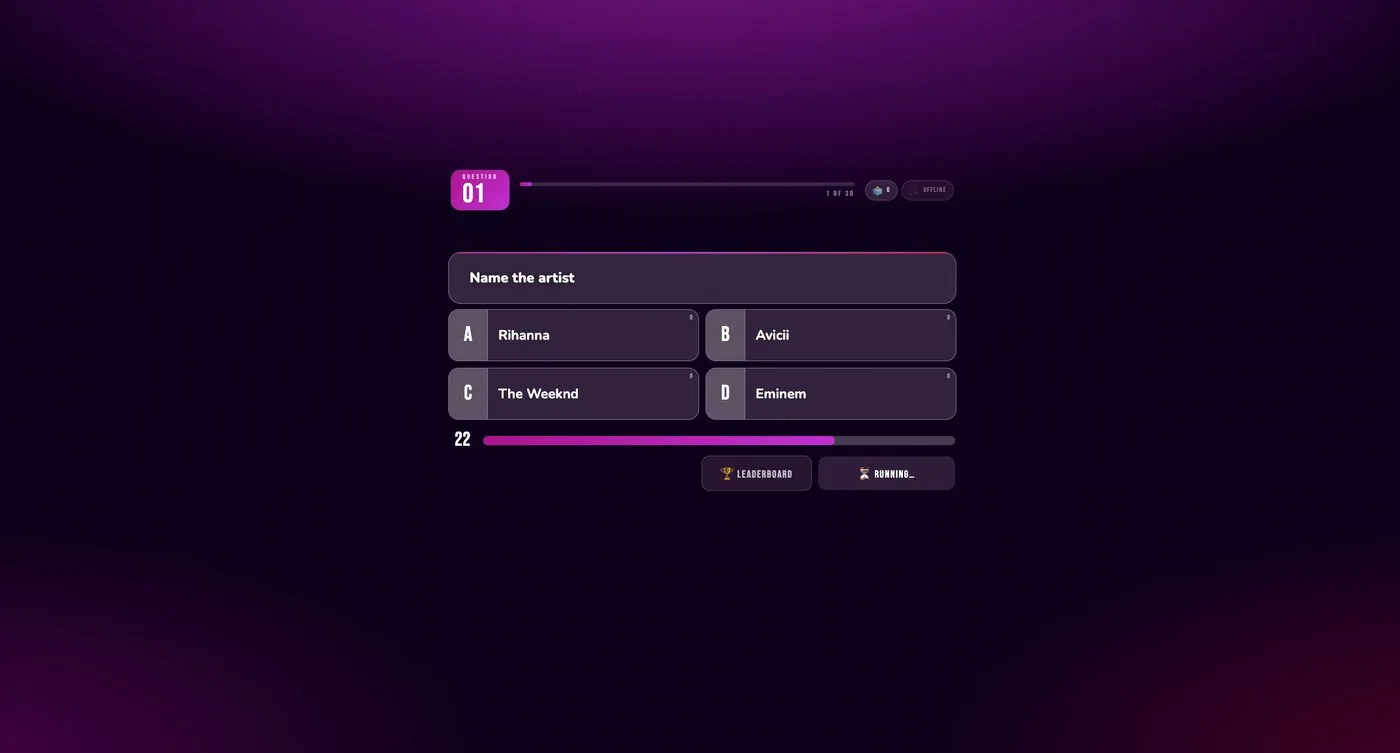
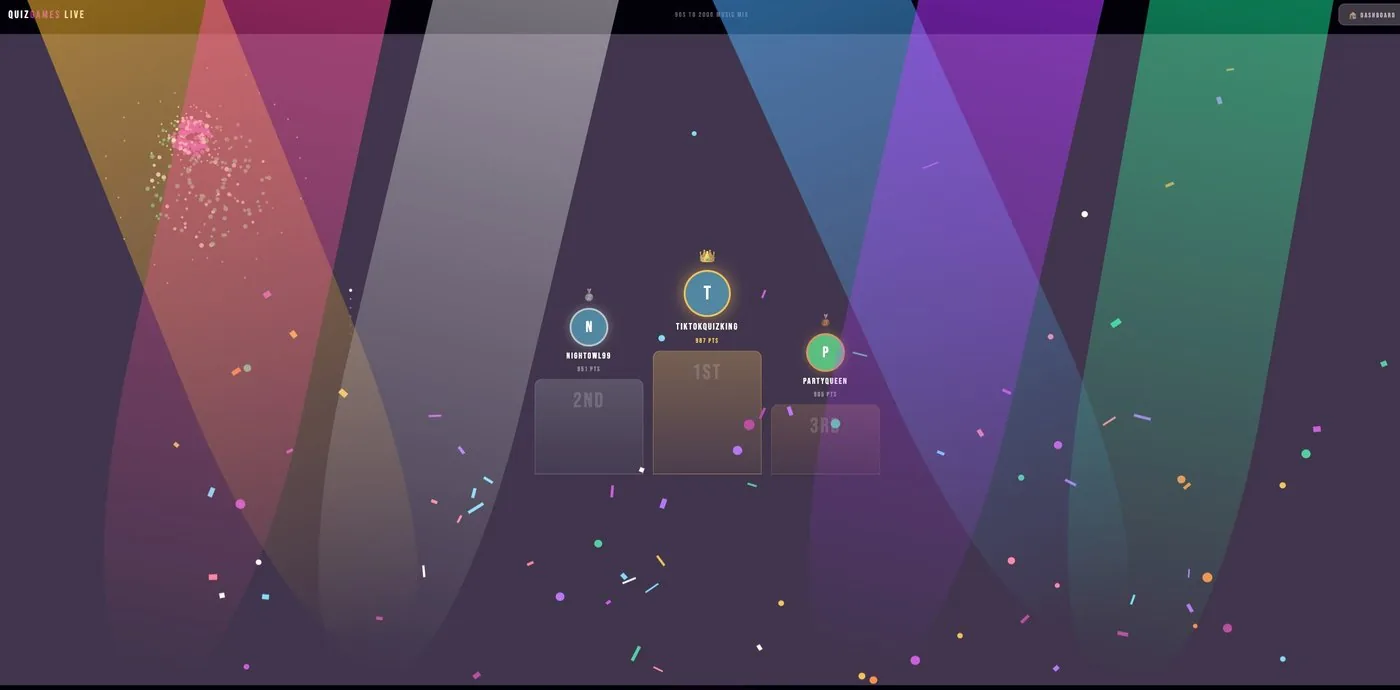
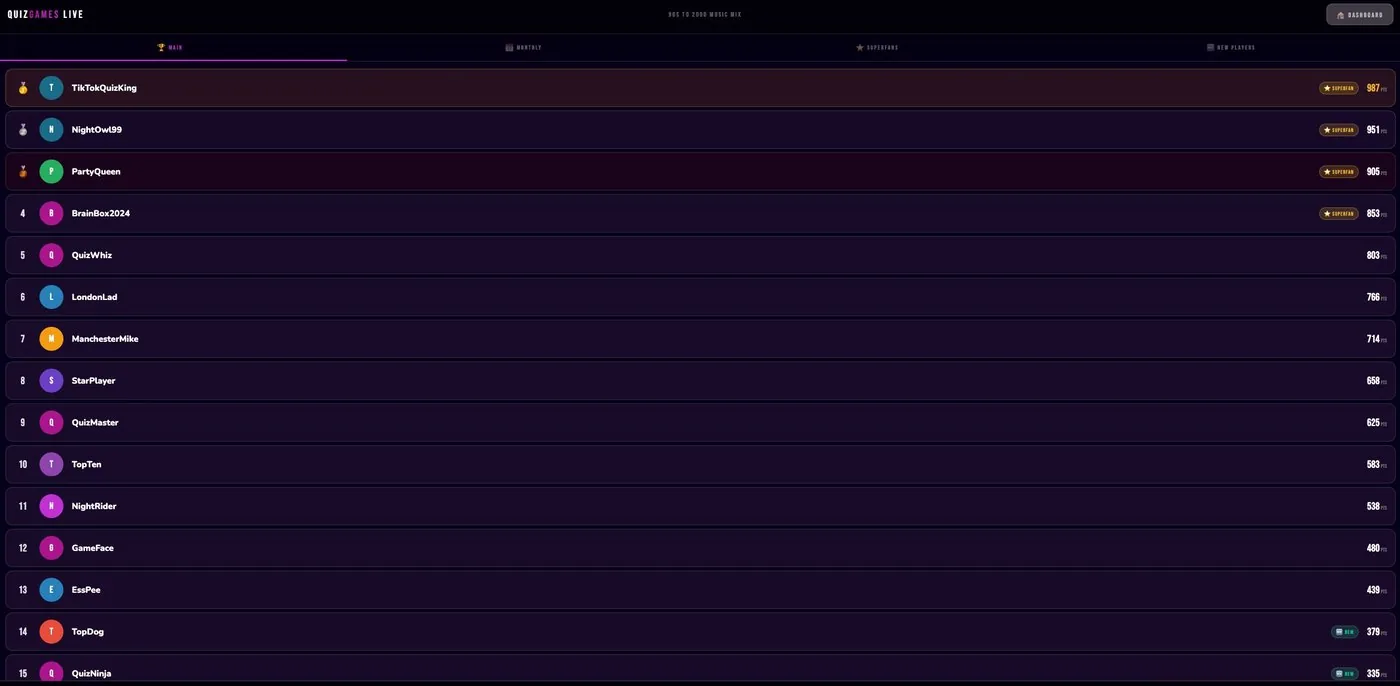
Build quizzes in the web app, go live on TikTok, and let your viewers play by typing their answers in the chat. Answers are scored automatically, the leaderboard updates on stream, and the night ends with a podium. You can also add word games and game shows.
No. Viewers play by typing in the TikTok Live chat they're already in. There's no app, link or sign-up for them.
Yes. You can mix text, image and video questions in the same round.
Yes. With the AI Quiz Builder, you type a topic and it drafts a full set of questions and answers, ready for you to check and edit.
Yes. Every plan starts with a 7-day free trial. A card is needed to start, but nothing is charged until the trial ends, and you can cancel any time before then. See pricing.
Pick a plan and you'll be hosting in under ten minutes.